Install Tools#
This is the first step before you can create a project.
You will need to install a development environment that supports compiling, testing and running your application. You will need the following:
- Git client
- Java JDK 21
- IntelliJ IDEA
Git client#
Any recent version of Git can be installed, and it should be preinstalled on macOS and Linux systems. You can also download and install a Windows version from the main Git site.
Java JDK#
You need a Java JDK installed. You can either:
- Install it manually from a reputable site like Azul, or
- Let IntelliJ install and configure it for you (next step below).
JDK 21.x is recommended as a stable release. It’s critical that you and your team install the same version!
IntelliJ IDEA#
IntelliJ IDEA is the standalone IDE produced by JetBrains. This is the most capable option. It includes the compiler, and fully supports development for any platform (e.g., mobile, desktop).
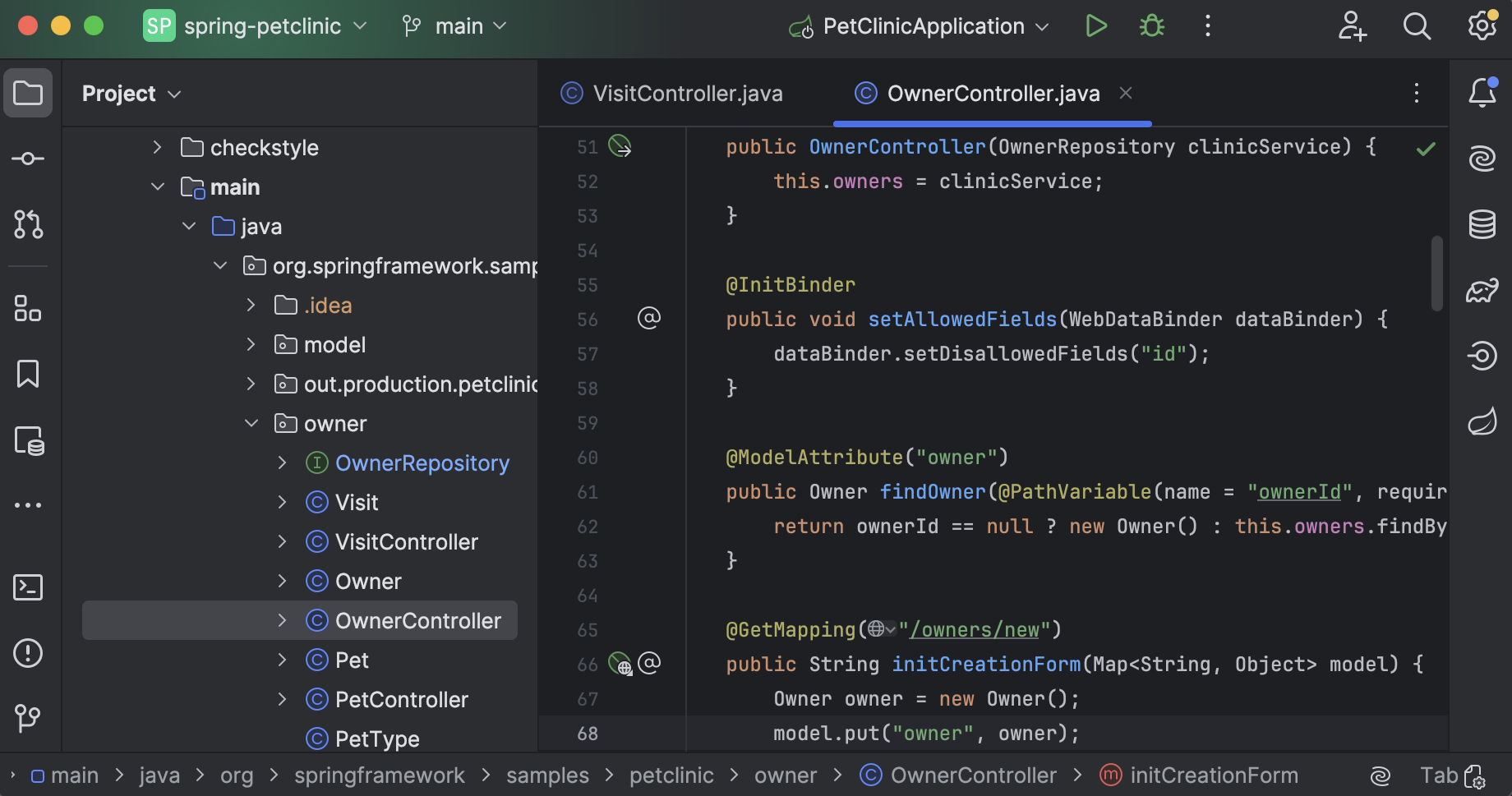
After it’s installed, IntelliJ can be run in “Community” mode. This doesn’t require a license or registration. You will have some restrictions on what features are available, but it’s sufficient for this course.
However, as a student, you also have access to a free educational license for IntelliJ IDEA Ultimate. This unlocks and features and remains active as long as you are a student.
To install, download the latest version from the JetBrains website. Run the installer and let it install into the default directories. If you don’t have a Java JDK installed, it will install one for you as part of the setup process.
Plugins#
You should install the most recent versions of the following plugins from the Settings > Plugins screen. All of these are free.
Required Plugins
- Android: required for all targets.
- Jetpack Compose: support for building Android user interfaces.
- Kotlin Multiplatform: required support for non-Android targets.
- Kotlin Toolchain: default build system for building, running tests, packaging.
- Compose Multiplatform: support for building non-Android user interfaces.
Optional Plugins
- Android Design Tools: design preview when building user interfaces.
- Gradle: Only required if you use Gradle instead of the Kotlin Toolchain.
- Markdown: for writing documentation.
- Mermaid.js: displays mermaid diagrams in Markdown.
- Rainbow Brackets — free: color-code matching brackets.
Increase IDE memory#
You need to tell your IDE how much RAM it is allowed to use; the default is 2 GB, which is low for Android development. I recommend at least 4 GB of RAM allocated to IntelliJ (more if you can afford it!).
Help>Change Memory Settings>4096 MB
Last Word#